Continuing through the textbook, we'll finish Chapter 6 (pages 35 to 37), and try to finish Chapter 7 (pages 39 to 44).
		while(drawn < 4) {
		    ...
		}
In addition to ``less than'', there are symbols for the various
other numerical comparisons that you would expect:
| < | less than | |
| <= | less than or equal | |
| > | greater than | |
| >= | greater than or equal | |
| == | equal | |
| != | not equal |
Condition expressions using these symbols compare numerical values,
and return a value of either true or false, which
are values of another type, similar
to int or double, called boolean.
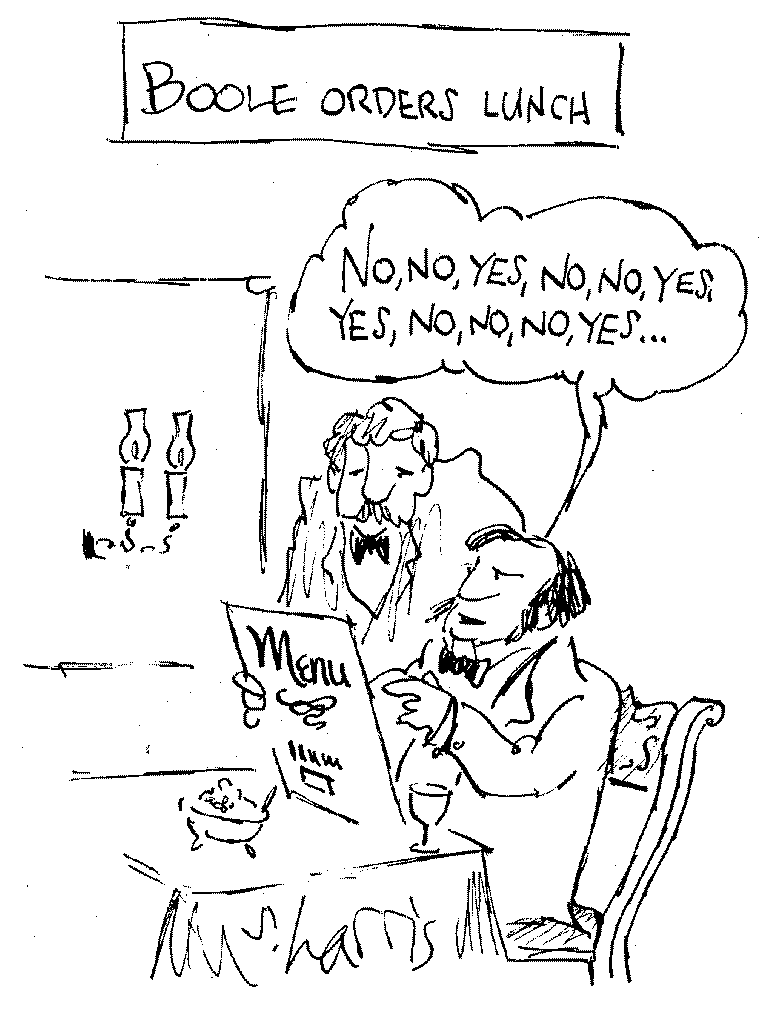
(Named after George Boole, who
invented this kind of math.)
You can use boolean operators to combine boolean values and get another boolean value:
| && | and | |
| || | or | |
| ! | not |
		n >= 1 && n <= 10
		1 <= n && n <= 10
(Note that it is not legal to write
1 <= n <= 10since this is not a boolean combination of simple conditions.)
Other legal examples:
		!(n >= 1 && n <= 10)
		n < 1 || n > 10
		!(n < 1 || n > 10)
		Window win = new Window();

		int drawn = 0;
		drawn++;	// same as drawn = drawn + 1;
		drawn--;
		drawn += 10;
		drawn -= 10;
		drawn /= 10;
		drawn *= 10;
		drawn %= 10;
		String sentence;
		sentence = "Hello, world.";
Java also lets you combine strings using the + operator (this is a little wierd):
		String value;
		value = "Drawn is " + drawn + ".";
If the value of drawn is the integer 3 when the program executes this line, the variable value would then refer to the string
"Drawn is 3."There are some more instance methods in the RobotWindow class, which accept a String object as a parameter:
double requestDouble(String message)
int requestInt(String message)
void notify(String message)
We can use these to improve the DrawSquare class from last time, replacing the line 10 with:
length = win.requestInt("How long should each side be?");
IOWindow()
void print(String message)
void println(String message)
double readDouble()
int readInt()
String readLine()
Example program for I/O: average five numbers input by the user:
	import pgss.*;

	public class Average {
	    public static void main(String[] args) {
		IOWindow io;
		io = new IOWindow();

		double total = 0.0; // accumulates the sum of the user's numbers
		int done = 0;	// counts how many numbers have been read
		while(done < 5) {
		    io.print("Number? ");
		    total += io.readDouble();
		    done++;
		}
		io.println("Average is " + (total / done));
	    }
	}
Testing is trying to determine whether there are (still)
bugs in your program.
Debugging is figuring out what the (next) problem is and fixing
it.
Testing methodology:
Debugging methodology:
In this last case, "dumping out" lots of information can help solve the mystery. Add debugging statements ("diagnostic output") to show what suspect variables really contain, with labels (strings) indicating from which point in the program you're printing them out.
int length()
String substring(int begin)
String substring(int begin, int end)
Note that the positions of characters in a string begin at 0, not 1.
		String str = io.readLine();
		int index = str.length() - 1;
		while(index >= 0) {
		    io.print(str.substring(index, index + 1));
		    index--;
		}
And more String methods, for testing string equality:
boolean equals(String other)
boolean equalsIgnoreCase(String other)
Example: program fragment for checking whether a password equals "friend":
		String password;
		io.print("Password? ");
		password = io.readString();
		while(!password.equals("friend") {
		    io.print("Wrong.  Password? ");
		    password = io.readString();
		}
		io.print("You're in.");