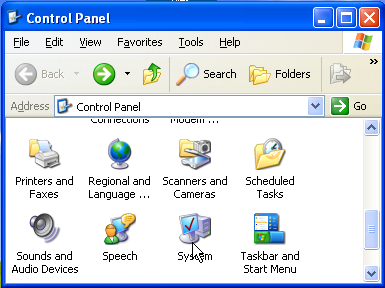
Click on the "System" icon in the Control Panel
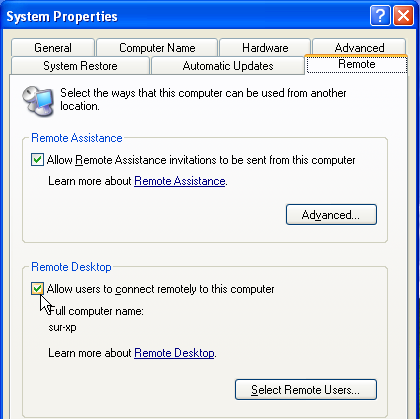
When the "System Properties" windows pops up, select the
"Remote" tab. Click the checkbox under "Remote Desktop"
to activate the Remote Desktop Service.
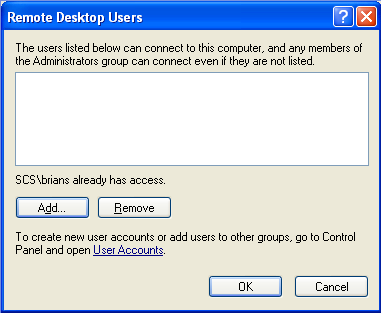
The user that you are logged in as will automatically have access to
connect to the computer. To give other users access, click on the
"Select Remote Users" button and a window will pop up for you to
give other users access.